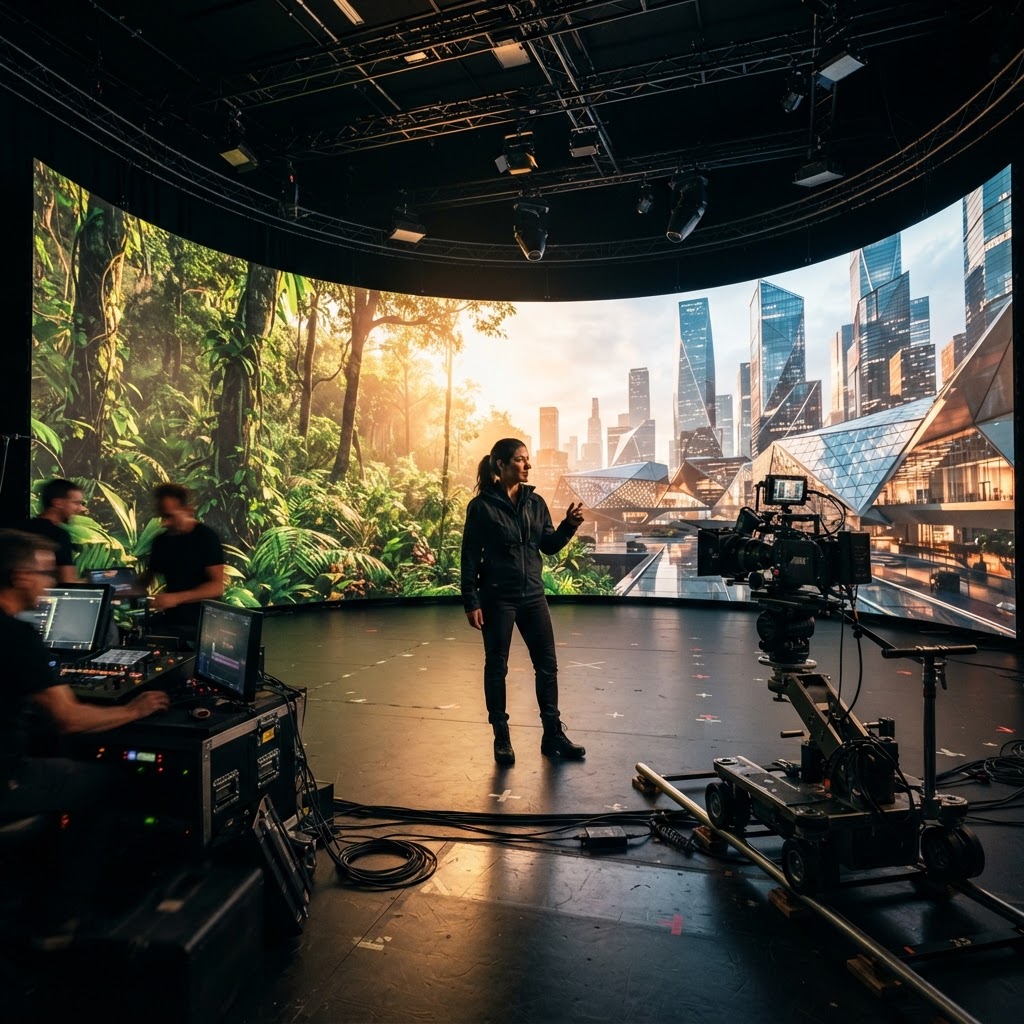
AI-generated concept illustration of a virtual-production stage. It does not depict a 1976 Studios facility, client project or completed shoot.
A forest, a city skyline and a simple room can tell very different stories about the same person. Choosing the setting is therefore a creative decision before it is a technology decision. Start with what the audience needs to understand, then decide how that place should appear on camera.
Virtual production can be one option in that discussion. A useful brief gives the production team enough detail to compare approaches without assuming that a digital background will automatically make the work cheaper, faster or more convincing.
Decide what the setting needs to establish
Is the place evidence, atmosphere or an imagined world? A documentary interview at a real project site serves a different purpose from a musician performing in a fictional forest. In the first case, the location may substantiate part of the story. In the second, it can be an openly creative choice.
Write down which details must be authentic and which can be designed. Identify any visual that could leave viewers with a false impression about where an event happened or what a company actually built. This decision should guide the treatment and the finished piece’s labeling.
Name the filming method being considered
Epic Games describes virtual production as a broad family of computer-assisted filmmaking methods. It includes more than filming against an LED wall. A team might use digital visualization to plan a conventional shoot, for example.
For LED-based in-camera effects, Epic’s methodology overview describes the combination of displayed backgrounds, camera tracking and rendering. A generated concept image, a filmed performance on a stage and a composite assembled afterward are different deliverables. Ask the team to specify which approach it proposes and what will remain to be finished after filming.
Bring one demanding shot to the discussion
Prepare a short shot description with the performer’s action, framing, camera movement and intended background. Include the moment most likely to challenge the approach. A locked interview and a moving camera passing a reflective prop should not be treated as the same requirement.
If an LED stage is being considered, request a representative camera test in the proposed setup. Review the actual recorded image for the intended movement and focus changes. Epic’s overview discusses synchronization, calibration and visible display artifacts; those are reasons to test the shot, not assumptions that a particular setup will fail.
Account for the preparation and finishing work
Ask who will prepare and approve the background, how revisions will be handled, and what must be settled before the shoot. Include physical props, wardrobe, sound and performer needs in the conversation. A compelling background is only one part of a usable scene.
Compare approaches using the actual scope: access to a location or stage, asset preparation, crew time, recording, revisions and finishing. Keep unpriced assumptions visible. There is no universal saving to claim simply because AI or a virtual environment appears in the plan.
Leave the meeting with a clear decision
Record the chosen approach, the test that supports it, unresolved questions and the person responsible for each next step. Label concept artwork and test footage so neither is mistaken for a completed production.
1976 Studios combines cinematic production, digital development and AI-assisted creative workflows. Bring a clear shot brief and discuss the facilities, collaborators and method appropriate to the project. The useful starting point is a scene the team can explain and evaluate.