A reference folder can contain client photography, screenshots, stock previews and images saved from social media. They may all help a creative discussion, but they are not interchangeable production inputs.
Before using reference material in an AI-assisted workflow, establish where it came from and what use has been authorized. A folder called “inspiration” does not answer either question.
Give each reference a source record
Record the original location, the person who supplied it and the specific quality it illustrates. “Side lighting and a restrained color palette” is more useful than “make something like this.”
Keep supplied permission or license information with the reference. If the status is unknown, mark it unknown and ask the responsible person to resolve it before use. Do not infer permission from the fact that a file can be downloaded.
Separate discussion from production use
State whether the reference is only being discussed, is proposed as an input to a tool or is intended to appear in the finished work. Those are different uses that should be evaluated under the actual permissions, agreements and tool terms.
This record is a production practice, not legal clearance. Refer unresolved rights or likeness questions to the appropriate owner or adviser.
Describe the creative quality independently
Try explaining the intended lighting, composition or pacing without naming the reference creator. This helps the team develop a direction rather than rely on an instruction to reproduce someone else's work.
For an illustrative project, the useful note might be: “One warm practical light against a cool background; generous space around the subject.” The source image can remain a discussion reference while the team decides how to create an original treatment.
Review the output on its own terms
Do not assume generation resolves questions about resemblance, branding or implied reality. Check what the resulting asset depicts and whether it fits the approved project. Keep the selected output associated with the relevant source and decision notes.
1976 Studios combines creative direction and AI-assisted production. A clear reference record lets the team discuss the visual intention while keeping unresolved permissions visible before production moves forward.
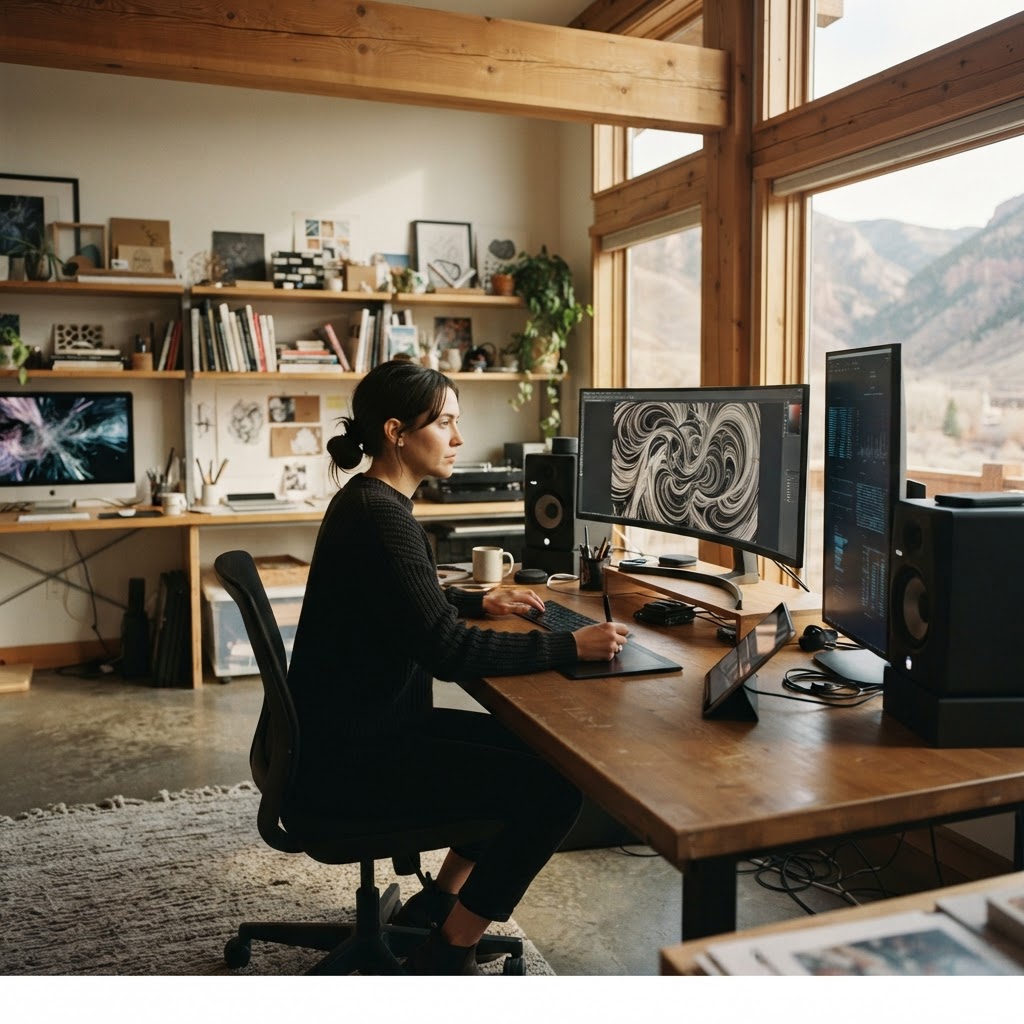
Featured image: AI-generated editorial illustration.